

Search
Categories
Recent Posts
- How To Tension A Roller Door (And When To Call A Pro) October 18, 2026
- How To Program A B&D Garage Door Remote October 18, 2026
- How Long Do Garage Doors, Motors And Springs Last? October 18, 2026
- Roller Door Vs Sectional Door: Which Suits Your Home? October 18, 2026
- Garage Door Won’t Close? Safety Beam And Sensor Fixes October 18, 2026
It starts with one chirp from the garage at 11pm. Thirty seconds later, there’s another. Ten minutes after that, you’re up a ladder in your dressing gown trying to work out which box is making the noise.
Most of the time, a beeping garage door motor is warning you about its backup battery: either the power is out and the opener is running on the battery, or the battery is low and needs replacing. The other common causes are blocked safety beams, a service reminder, an auto-close warning and a motor straining against a heavy door.
Start with these quick checks:
- Make sure the opener has mains power and the breaker hasn’t tripped.
- Note the pattern: every few seconds, every 30 seconds, only before closing or with flashing lights.
- Clean the safety beam lenses and make sure both sensor lights are on and steady.
- Clear anything from the door’s path and tracks.
- Replace the backup battery if it’s been in for a year or two.
- If the beeping continues or the door struggles, stop using it and book a service.
What Your Opener’s Beeps Usually Mean
Beep patterns vary between brands and models, but these are the ones we come across most on Perth openers. Your manual lists the exact codes for your model.
| What You Hear Or See | Usual Cause | What To Do |
|---|---|---|
| A beep every few seconds after a blackout | The opener is running on its backup battery | Check the power point and the breaker |
| A beep about every 30 seconds | The backup battery is low or dead | Replace the battery |
| Beeps and flashing lights before the door closes by itself | Auto-close warning | Leave it, or switch auto-close off |
| A beep on every open and close while the door works normally | Service reminder | Book a service |
| Beeping or flashing, and the door won’t close | Safety beams blocked or out of line | Clean and align the beams |
| Beeping or flashing after the door stops or reverses | Obstruction or overload | Clear the path and don’t force the door |
| Beeps and flashes while you code a remote | Normal coding signal | Finish the coding steps |
First, Check It’s Actually The Opener
A smoke alarm with a flat battery chirps too, and a garage bounces sound around. Stand under the motor and listen, and watch whether the opener’s lights flash in time with the beep. It’s a two-minute check that can save a lot of climbing up and down.
The Common Causes And How To Fix Each One
These are the causes in rough order of how often we find them.
The Backup Battery Is Low, Dead Or In Use
Openers fitted with a backup battery switch to it when the mains power drops, and many beep to let you know. Once the power’s back, the beeping should stop, although the battery can take 24 to 48 hours to recharge fully. If the opener keeps beeping with the power on, the battery is probably worn out. Most last one to two years, and heat is hard on them, which matters in a Perth garage in February. Our guide on whether you need a backup battery for your garage door opener explains how they work and what they cost.
The Power Is Out Or A Breaker Has Tripped
After a storm, the opener may be beeping simply because it’s running on its battery. Check that the power point is switched on, and look at the switchboard for a tripped circuit breaker. If it trips again as soon as you reset it, or whenever the door runs, leave it off and call a technician.
The Safety Beams Are Blocked Or Out Of Line
If the beams can’t see each other, the opener won’t close the door, and it may beep or flash to tell you why. Dust, spiderwebs, a bin and a bumped bracket are the usual suspects. Wipe both lenses and adjust them until each sensor’s light is steady. Wireless beams have their own batteries, and a low one can set off the same warning.
A Service Reminder Is Due
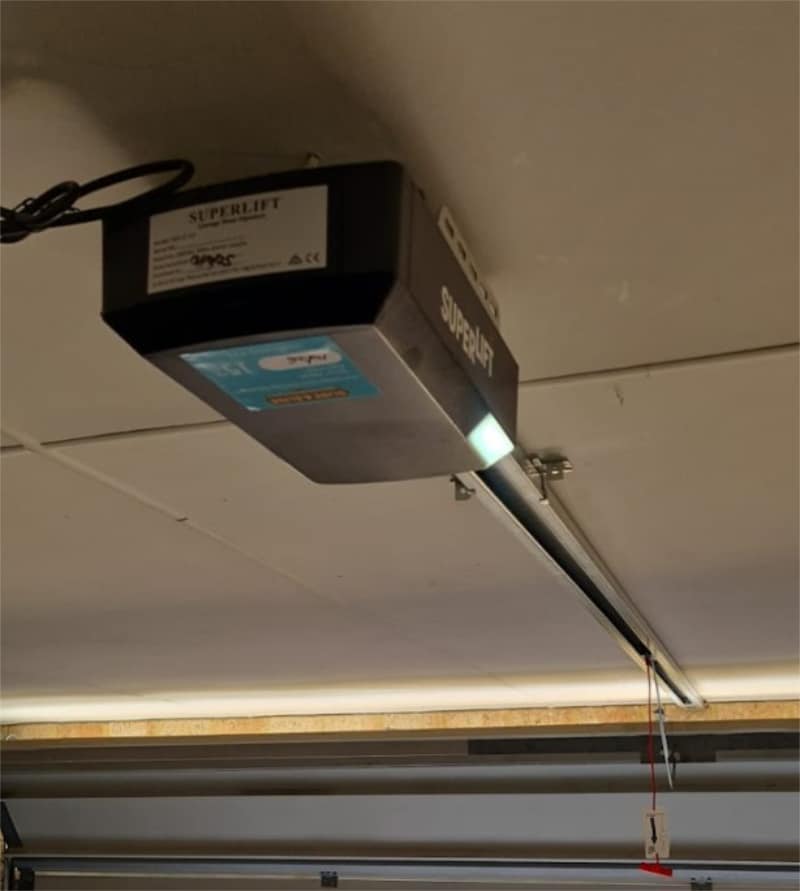
Some openers count their cycles and remind you when a service is due, with a beep or a service light. The door still works, but it’s worth booking the service rather than silencing the reminder, because worn rollers and tired springs make the motor work harder every day. In Quinns Rocks, the motor was struggling under load on a door that hadn’t been serviced in a long time, and it had reached the end of its life. A full service and a new Superlift 1200N motor put it right.
An Auto-Close Warning
If your opener closes the door automatically after a set time, it will usually beep and flash before it moves, so nobody gets caught underneath. That’s normal. If you’d rather not have auto-close, switch it off in the opener’s settings or the app.
The Motor Is Straining Or Has Stalled
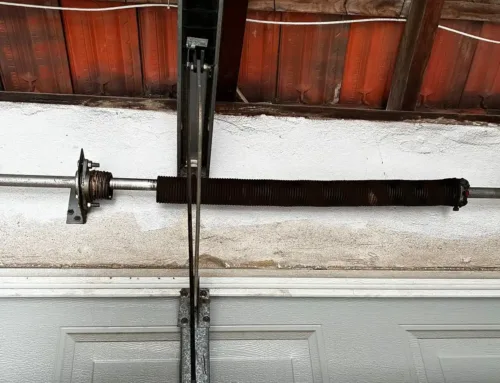
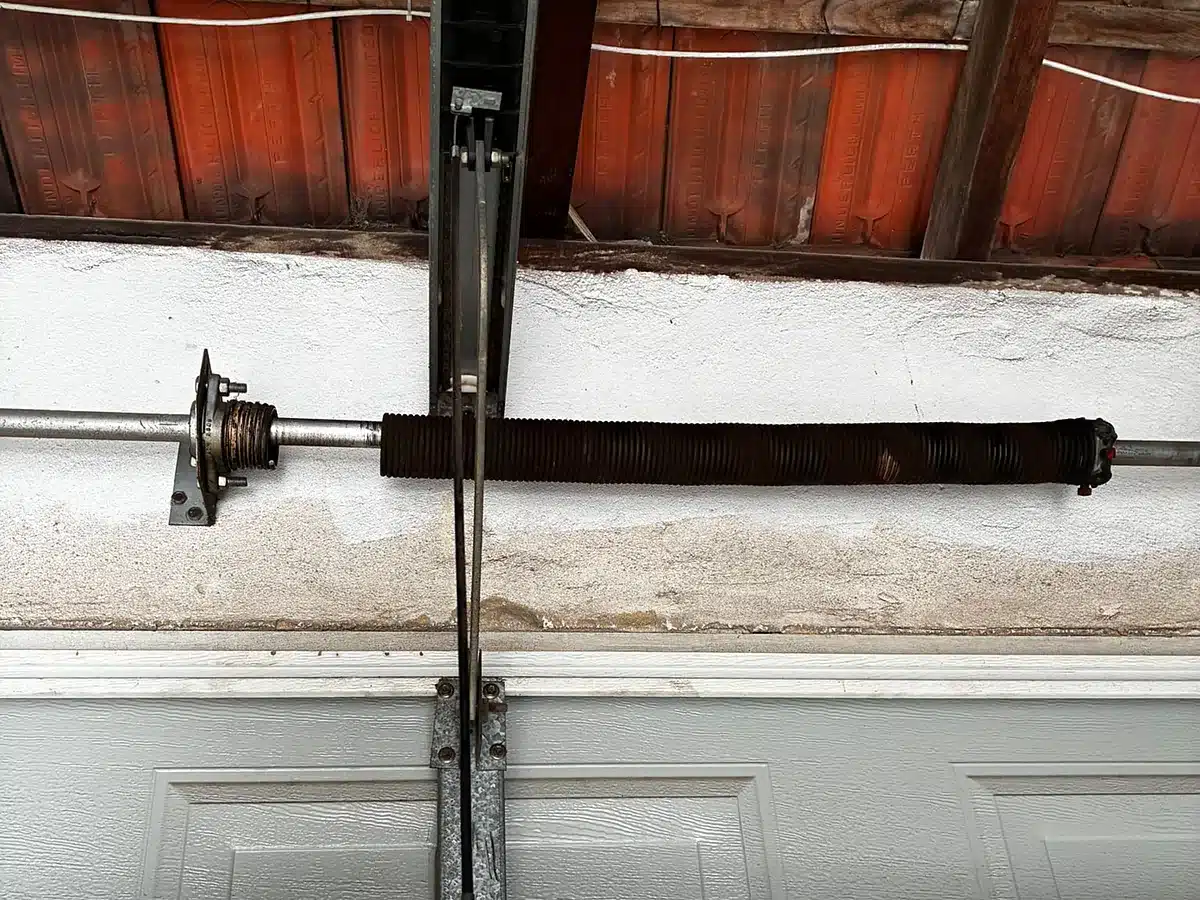
When a door is hard to move, the opener senses the extra effort and stops or reverses, then beeps or flashes a warning. Dirty tracks, worn rollers and a broken spring are the usual causes. In Fremantle, a door that had become hard to lift and was moving unevenly turned out to have badly worn torsion springs, and the motor had been struggling to make up the difference. We replaced the springs, cables, drums and a hinge, then fitted a new motor. Don’t keep forcing a heavy door. If you suspect a spring, our garage door spring replacement team will make it safe.
A Smart Opener Has Lost Its Wi-Fi
Openers with built-in Wi-Fi or a smart controller can beep while they connect, or when the connection drops after a router change. Reconnect through the app, and make sure the garage gets a decent signal. Most smart openers need a 2.4GHz network.
Brand Notes: B&D, Merlin, Steel-Line And ATA
Each brand signals faults a little differently, and your model’s manual has the full list. These are the patterns worth knowing on the openers we service most.
B&D
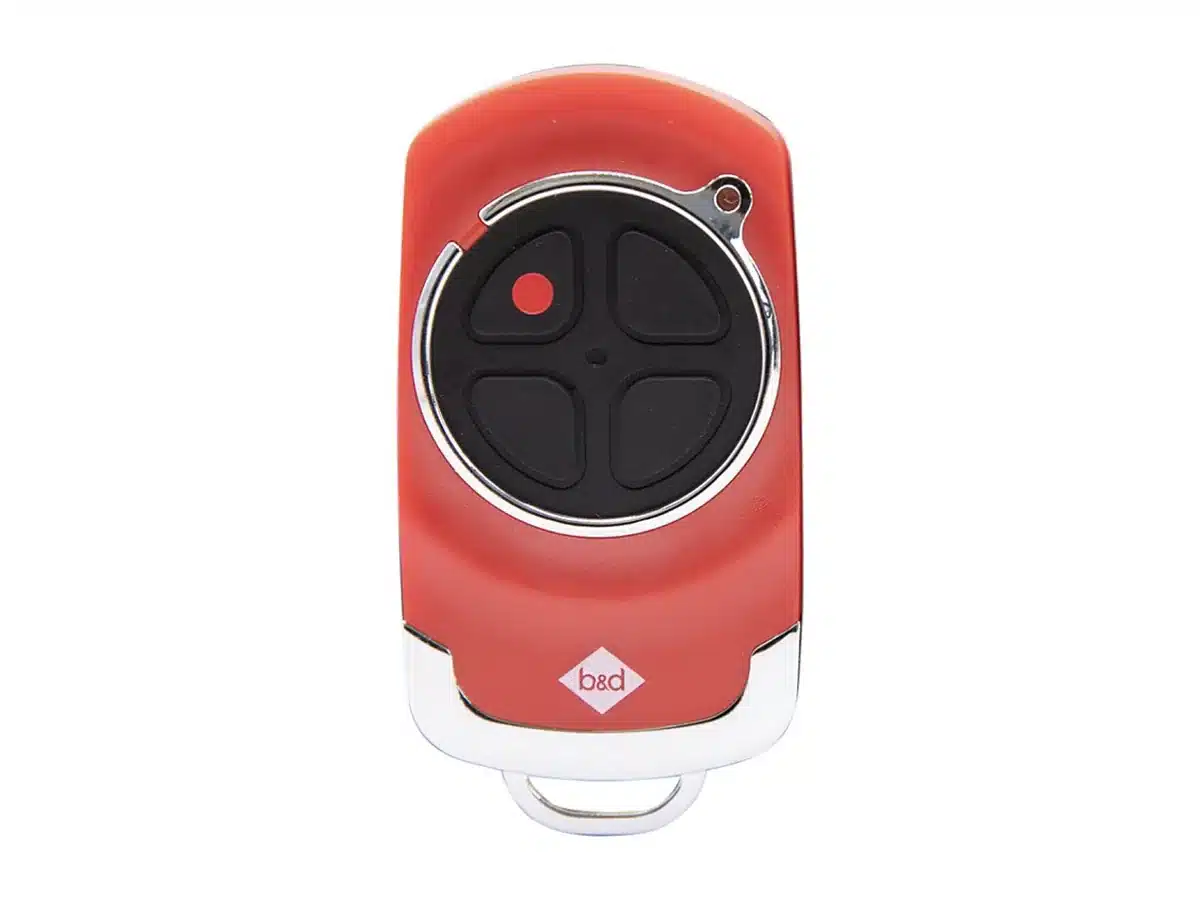
A flashing service light means maintenance is due, and nine flashes mean the opener has overloaded or stalled, which needs a technician. On PowerDrive and Roll-A-Pro roller openers, a steady battery light means the backup battery is fine, while a flashing light or no light means it needs replacing. If you have B&D’s AUTO LOCK fitted, check it has disengaged and its battery isn’t low. Our B&D garage door openers page covers the current range.
Merlin
Merlin openers don’t use a battery unless a backup battery has been fitted. If yours has one, regular beeping usually means the opener is running on the battery or the battery needs replacing. Your manual shows the exact pattern for your model.
Steel-Line
Steel-Line’s SD1000 sectional openers give an audible reminder when the door is due for a service, and they take an optional backup battery. If the beeping comes with normal operation, a service is the likely fix.
ATA
On ATA SecuraLift openers, a beeper sounds when the door is too much for the opener, and the opener beeps while the door moves after hitting an obstruction. A rapidly flashing status light means the mains power was interrupted, and an open light flashing once a second means auto-close is switched on.
How To Stop The Beeping Safely
Fix the cause and the beeping stops. Work through it in this order:
- Unplug the opener before you open any cover or touch the battery.
- Sort out the cause: restore the power, clean the beams and clear the door’s path.
- Replace the backup battery if it’s the culprit. It usually sits under the light cover or a panel on the motor. Photograph the wiring first, match red to positive and black to negative, then refit the cover.
- Plug the opener back in and run a full cycle from the wall button.
- Book a service for a service reminder, rather than looking for a way to silence it.
Never bypass the safety beams or keep using a door that’s beeping because it’s struggling. That warning is the opener protecting itself and anyone standing near the door.
When It’s Time For A Technician
Book a technician if the beeping continues after you’ve checked the power, the beams and the battery, or if the opener flashes a code you can’t identify. A door that’s slow, noisy or stopping partway needs a look too. Those signs often come before a bigger failure, and catching them early costs far less than a burnt-out motor. Our vans carry opener components and safety beams, and our garage door motor repairs cover the major brands used in Perth. You’ll find manuals for common models in our garage door motor manuals library.
Frequently Asked Questions
These are the beeping questions Perth homeowners ask us most.
Why Is My Garage Door Beeping Every 30 Seconds?
On most openers with a backup battery, a beep about every 30 seconds means the battery is low or dead. Replace it, and the beeping should stop once the opener has mains power.
Why Does My Garage Door Beep When It Closes?
A beep with flashing lights just before the door closes is usually an auto-close warning. If it closes and then goes back up, the beams or an obstruction are more likely, and our guide to a garage door opening by itself explains why that happens.
Why Is My Garage Door Beeping And Not Opening?
The opener is warning you about a problem, such as no mains power, a dead backup battery, an overload or a blocked beam. Check the power and the beams, and don’t force the door. If the opener is quiet but the remote does nothing, see our guide to a garage remote control not working.
How Do I Reset A Beeping Garage Door Opener?
Switch it off at the power point for a minute, then back on, and fix whatever set off the alert. A service reminder is usually reset by the technician after the service, though some openers let you clear it through the settings in the manual.
Is It Safe To Keep Using A Beeping Garage Door?
If it’s a battery or auto-close warning, yes. If the beeping comes with the door stopping, reversing or struggling, stop using it and book a technician.
Get Your Garage Quiet Again
That 11pm chirp is nearly always the opener asking for something simple: power, a new battery or clean beams. Fix the cause, and you can head back to bed.
If it’s still beeping, or the door is struggling, we’ll find out why. For a technician, call 0489 266 468 or book a garage door service online, and our team will be in touch within 2 hours.

- How To Tension A Roller Door (And When To Call A Pro) - October 18, 2026
- How To Program A B&D Garage Door Remote - October 18, 2026
- How Long Do Garage Doors, Motors And Springs Last? - October 18, 2026
Social Media