
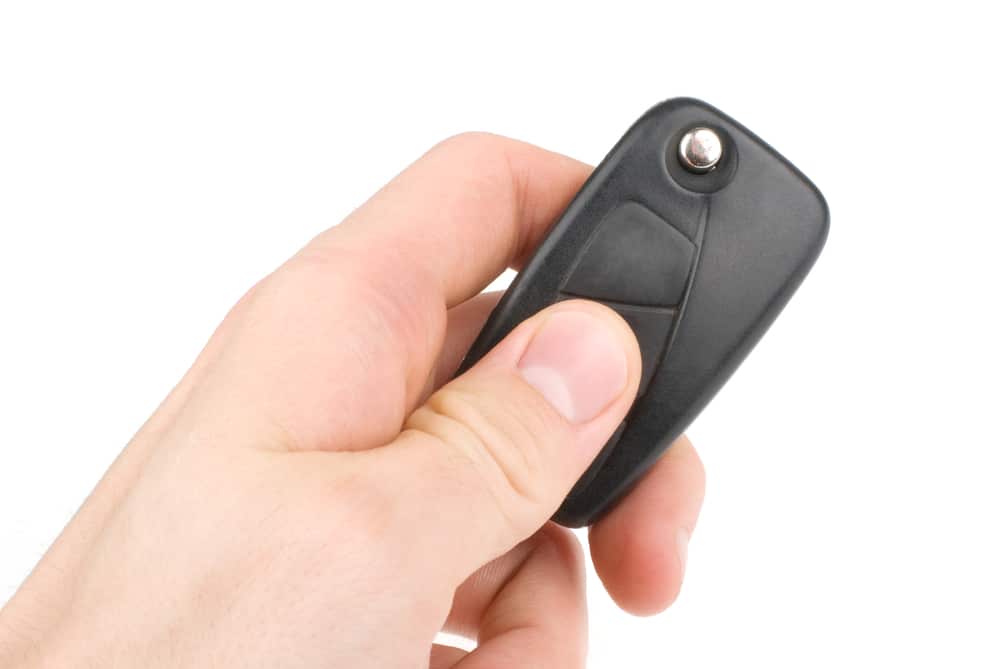
Most people only think about how to program a garage door remote when something has already gone wrong. The original remote has stopped responding after a battery change, a new garage door remote arrived and will not pair, or a remote was lost and the opener memory needs clearing before a replacement can be set up. In each case, the process follows the same core logic: the motor unit needs to recognise a new signal, and there is a specific sequence to make that happen.
At Slide & Glide, based at Unit 3A/8 Hasler Road, Osborne Park, our technicians program garage door remotes across Perth every week. What follows is the process we use, written plainly so you can work through it yourself. If you reach the end and the door still will not respond, we are the team to call.
What To Confirm Before You Begin
Before pressing anything, two things need to be correct: the remote type and the battery.
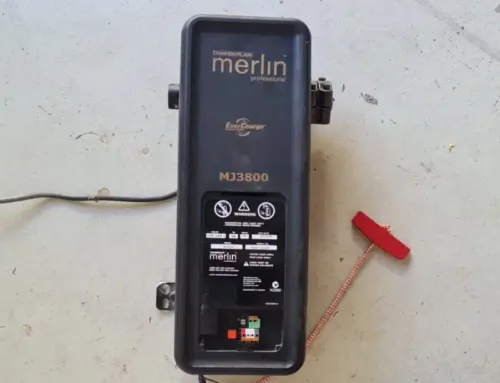
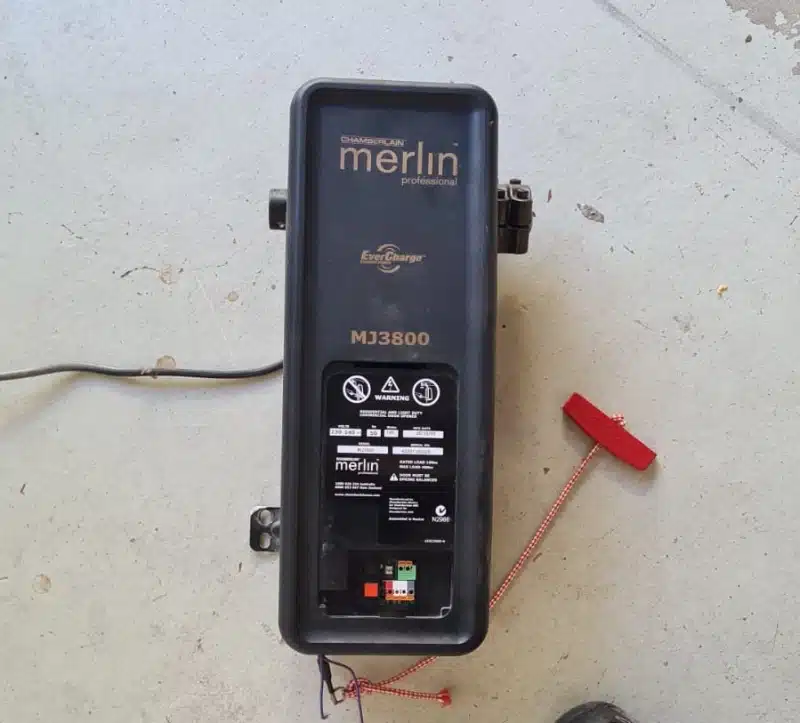
A garage door remote control that runs on the wrong radio frequency or uses an incompatible code format will not pair regardless of how accurately you follow the steps. Locate the model number on your garage door opener, typically found under the light cover on the motor unit, and confirm that the remote you have is listed as compatible with that model. In Perth, Merlin openers are among the most common, with models including the E943M, E940M, and E960M all using Security+ 2.0 encryption. A universal remote may work depending on the manufacturer and system, but checking the manual first avoids a wasted programming attempt.
Fresh batteries matter more than people expect. A remote with a low battery can appear functional while transmitting a signal too weak to register at the opener. Replace the battery before you begin, and check that the contacts inside the cover are clean and seated correctly.
Step By Step Guide To Programming A Garage Door Remote
Step 1: Locate The Learn Button On The Motor Unit
The learn button, sometimes labelled “Smart” or “Code Set” depending on the garage door opener model, is typically located on the rear or side of the motor unit near the antenna wire. On some models it sits behind the light cover and may be recessed enough to require a pen or paperclip to press cleanly. Have a ladder ready before you begin.
Step 2: Activate Programming Mode
Press and release the learn button once. The LED light on the motor unit will blink or hold steady as a sign that the opener is ready to receive a new signal. You have approximately 30 seconds from this point before the motor unit exits programming mode automatically.
Step 3: Send The Signal From The Remote
Within that 30-second window, press and hold the button on the remote you want to program. Hold it until the opener light blinks, flashes, or you hear an audible click from the motor. Release the button on the remote at that point.
Step 4: Test The Door
Stand clear of the door and press the remote button once to confirm it operates the door. If the door moves, the process is complete. If you are programming a second remote, repeat the sequence from Step 2 using the same or a different button on the new device.
Brand-Specific Programming Steps For Common Perth Openers
Different models handle the programming sequence with minor variations. These are the two brands our technicians service most frequently across the Perth metro area.
B&D Roller Door Openers: Remove the clear controls cover from the motor unit. Press and hold the CODE SET button for two seconds, then release. Press and hold the chosen button on the remote for three seconds and release. Repeat the remote button press once more, refit the cover, and test the door.
Steel-Line Motors: Press the “P” and “+” buttons together until LED 7 flashes. Press “+”, then press the remote button twice in succession. Press “P” to save the code and test.
If your opener is not listed here, refer to the manual or contact us with the model number and we will talk you through the correct sequence.
How To Reprogram After A Lost Or Stolen Remote
A lost or stolen garage door remote is a security issue, not just an inconvenience. If someone else could have access to the remote, clear the opener memory before programming a replacement.
Press and hold the learn button for ten to fifteen seconds until the LED light goes out completely. This erases all stored remotes from the motor unit’s memory. From that point, reprogram only the remotes you want to keep using the standard process above. Marcus, one of our senior Slide & Glide technicians, handles this type of callout regularly across suburbs including Joondalup, Canning Vale, and Karrinyup, and his consistent note is that homeowners are surprised how quickly the full reset and reprogram takes when the correct remote type is already on hand.
Troubleshooting Tips If The Remote Will Not Program
If the remote will not pair after following the steps above, work through these checks before assuming the device or opener is faulty.
Confirm the battery is fresh and seated correctly. A partially drained battery transmits a weak signal that the motor unit may not register even at close range. Check that no obstruction is interfering with the antenna wire on the motor unit, as a damaged or kinked antenna significantly reduces the effective signal range. Cycle the opener power at the wall and repeat the programming sequence from the beginning.
In coastal Perth suburbs like Fremantle and Cottesloe, salt air corrosion on receiver boards and antenna connections is a cause of programming failure we see often. If the opener is several years old and located in a coastal property, the issue may be internal corrosion rather than a remote fault. That is the point at which a technician inspection is more useful than further DIY attempts.
Frequently Asked Questions About Garage Door Remote Programming
Where Is The Learn Button On Most Garage Door Openers?
It is typically located on the rear or side panel of the motor unit, near the antenna wire or under the light cover. On some models it is recessed and requires a narrow tool to press.
Can I Program A New Garage Door Remote From An Existing Remote?
On older systems, remote-to-remote copying is sometimes possible. On most modern openers using rolling code encryption, the learn button method is required to ensure the new remote receives its own unique code. Copying from a remote on these systems does not work reliably.
Do Smart Garage Door Openers Follow The Same Programming Process?
The learn button process generally applies, but some smart openers, including Merlin myQ compatible systems, also allow device pairing through a smartphone app. Consult your owner’s manual for the specific sequence, as the order of steps can differ from standard programming.
Still Not Working? Contact Slide & Glide For Expert Help In Perth
If the remote will not program after working through this guide, the fault is most likely either an incompatible remote type or an issue with the motor unit itself, neither of which is easily resolved without the correct equipment and parts on hand.
Slide & Glide operates across the full Perth metro area from our Osborne Park base. Our technicians carry compatible remotes for the most common opener brands, can confirm the correct model for your system on arrival, and will program, test, and confirm operation before leaving the property. Contact us through the website or by phone to arrange a visit, and get the door back to reliable access without the guesswork.

- How To Improve Your Garage Door Security - September 1, 2026
- Do I Need A Backup Battery For My Garage Door Opener - August 16, 2026
- DIY Vs Professional Garage Door Repairs - August 16, 2026

Social Media